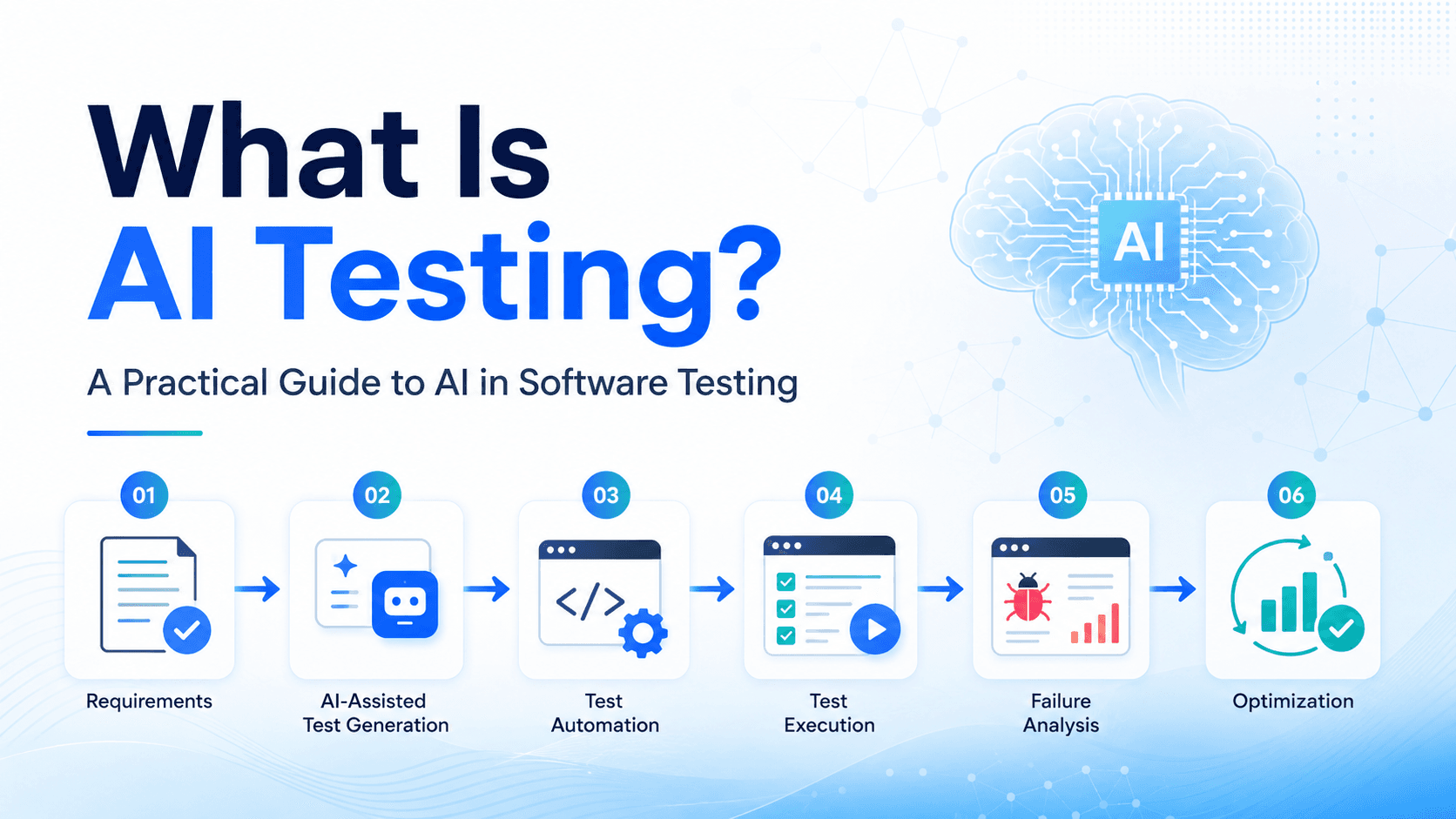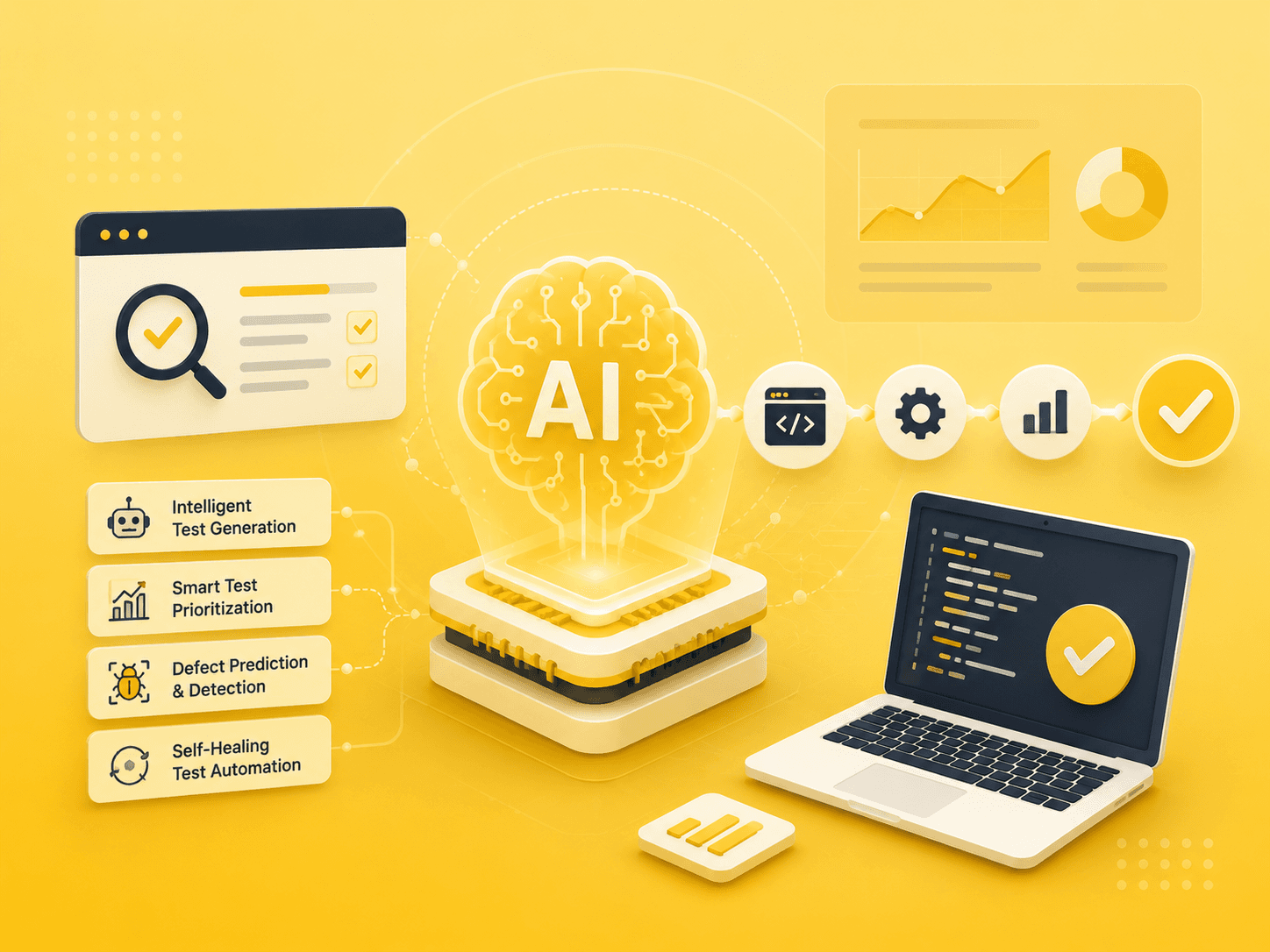
Visual testing has emerged as one of the most impactful applications of AI in quality assurance. Unlike traditional functional tests that verify behavior through assertions, visual tests compare the actual appearance of an application against a baseline to detect unintended UI changes.
Why Traditional Testing Misses Visual Bugs
Functional tests are great at verifying logic, but they are blind to how things look. A button might work perfectly, but if a CSS change pushes it off-screen or behind another element, users cannot interact with it. These regressions are some of the most common yet hardest bugs to catch.
Manual visual review does not scale. As applications grow and ship faster, QA teams simply cannot inspect every screen, every viewport size, and every browser after every deployment.
How AI Visual Testing Works
AI-powered visual testing tools go beyond simple pixel-by-pixel comparisons. They use computer vision and machine learning to understand the structure of a page and distinguish between meaningful changes and harmless rendering differences.
Intelligent Baseline Comparison — AI compares screenshots at the structural level, ignoring anti-aliasing differences and sub-pixel shifts that cause false positives in traditional diff tools.
Cross-Browser & Cross-Viewport — A single test run can capture screenshots across multiple browsers and viewport sizes, with AI highlighting only the differences that matter to the user.
Dynamic Content Handling — AI models can recognize dynamic elements like timestamps, animated banners, and personalized content, excluding them from comparison to reduce noise.
Layout & Overlap Detection — Beyond color changes, AI can detect when elements overlap, overflow their containers, or shift position unexpectedly.
Integration with Your Pipeline
Visual testing fits naturally into existing CI/CD workflows. Most AI visual testing platforms provide SDKs that integrate with popular test frameworks like Selenium, Cypress, and Playwright. After each test run, screenshots are uploaded for comparison, and results are available within minutes.
A recommended approach is to run visual checks as a dedicated stage after functional tests pass. This keeps feedback loops tight and ensures that visual regressions do not block critical functional validations.
Best Practices
Start with a focused set of high-traffic pages and critical user flows. Establish stable baselines in a consistent environment to minimize false positives. Review AI-flagged differences regularly during the first few weeks to tune thresholds. Over time, the system learns what matters to your team and becomes increasingly accurate.
AI visual testing is not a replacement for functional testing, but a powerful complement that catches an entirely different class of bugs. Together, they provide a more complete picture of application quality.